


CLIENT PROJECT · CAMEROON

Digital Computers
Online store
IT & networks

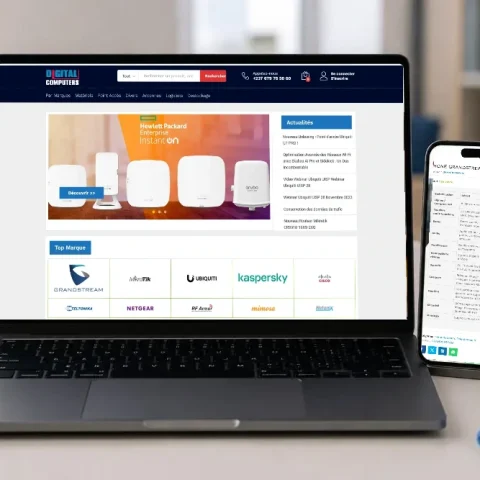
The Digital Computers store presents IT, network and telephony equipment. This project is documented through retained archives: the public website currently displays a security check that prevents us from viewing its content.

Digital Computers — archived catalogue views
THE CLIENT AND THEIR NEEDS

Digital Computers: structuring a technical catalogue.

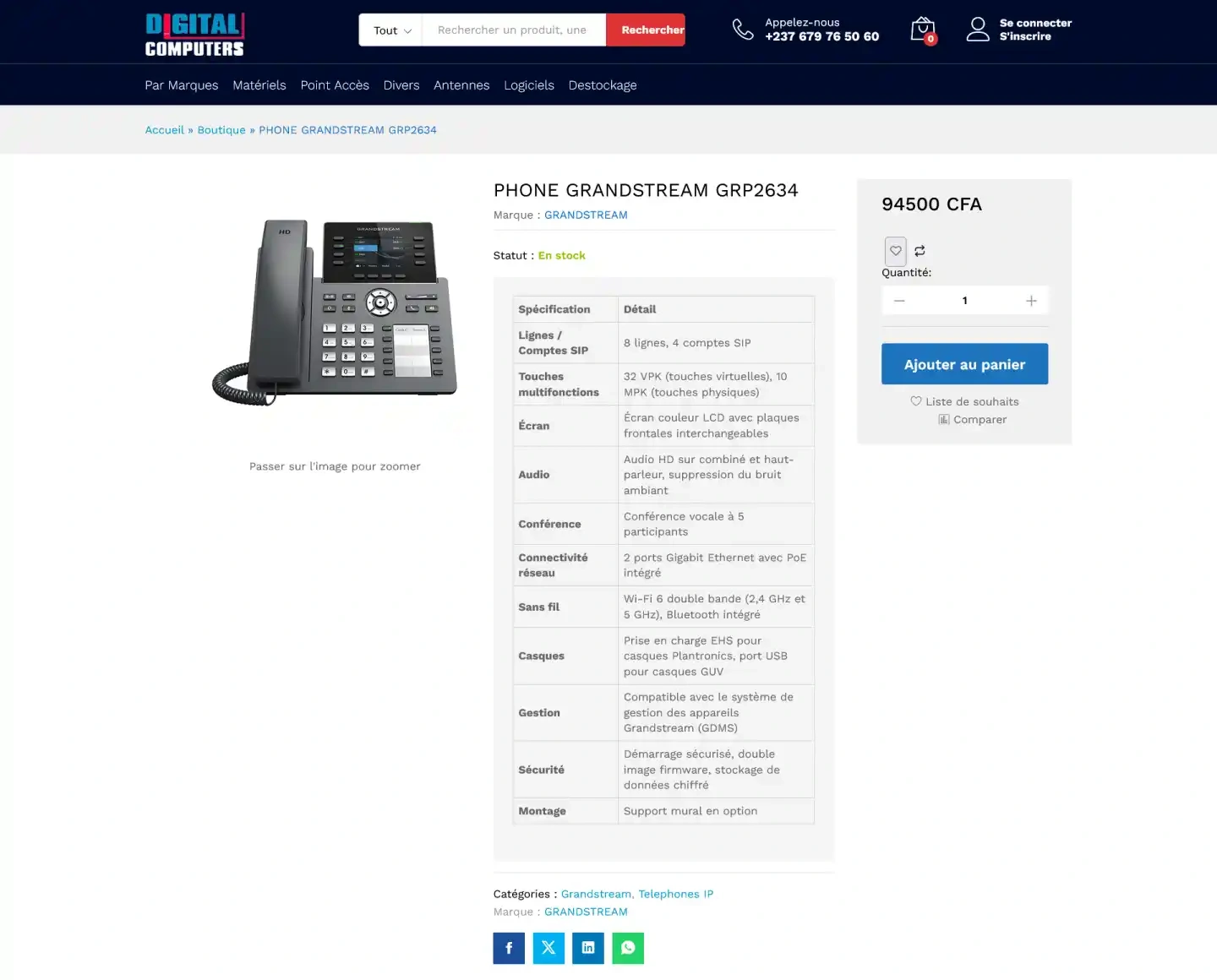
The retained pages show a brand catalogue, network equipment, IP phones and product specifications. Search and categories complement navigation between products.

Help visitors identify equipment, examine specifications and reach its product page.

  • Classify equipmentOrganise the catalogue by categories and brands.
  • Describe productsPresent specifications in readable tables.
  • Connect the stepsBring together search, listings and product pages.
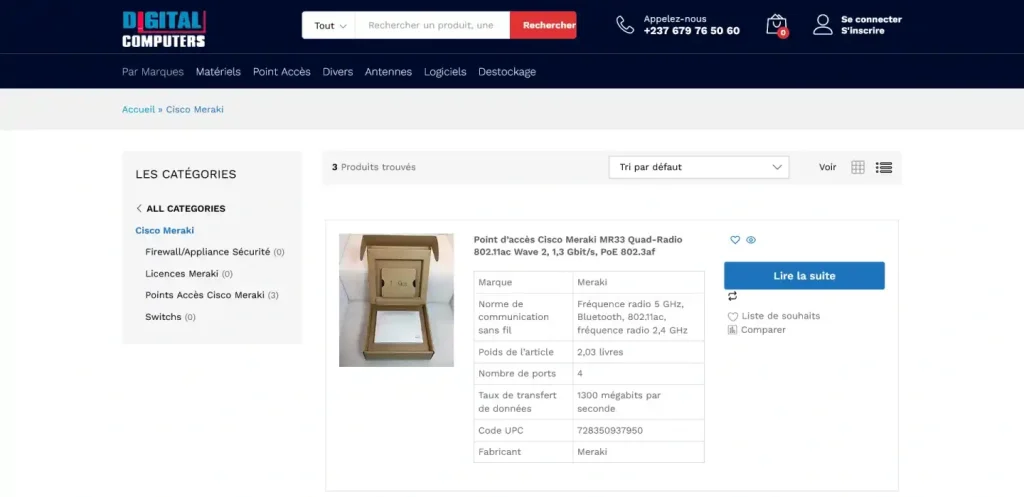
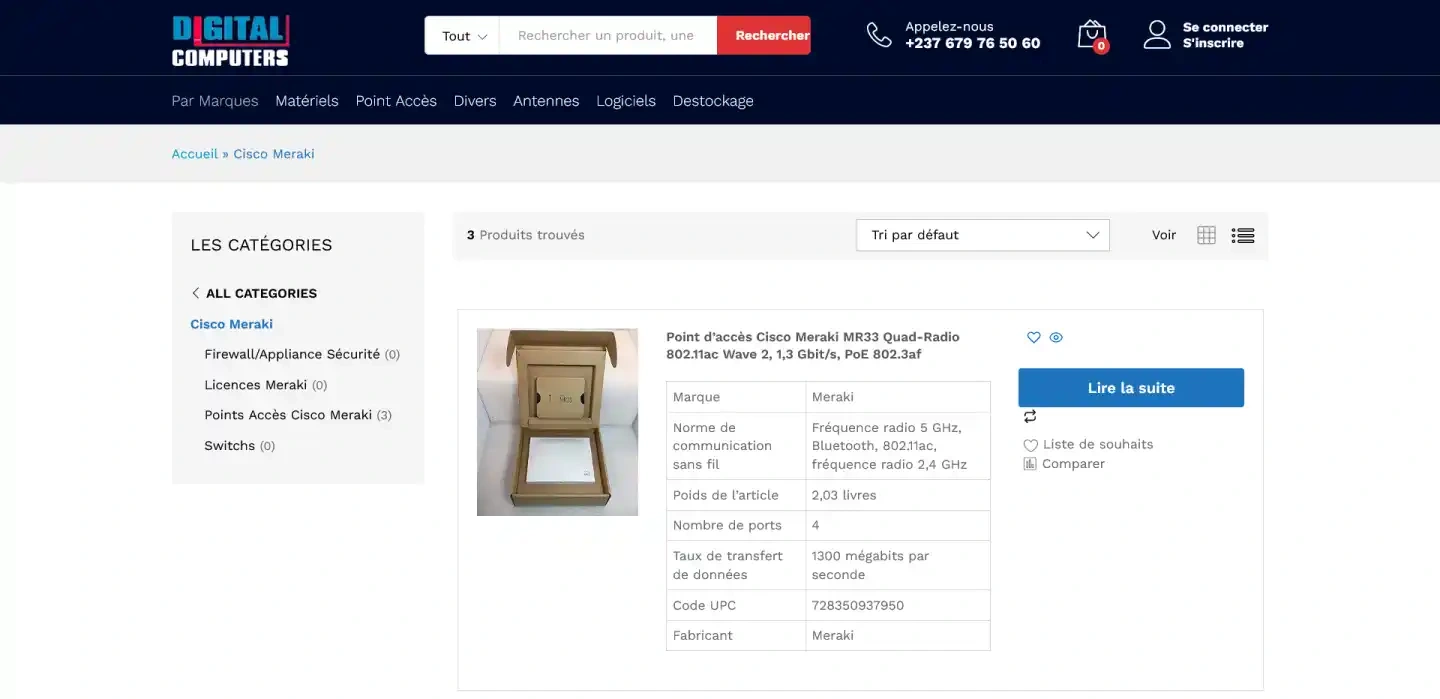
Cisco Meraki category
CONTEXT, OBJECTIVES AND PROJECT

The key elements of the Digital Computers website.

The archives document an IT store organised around products and brands. They show the homepage, a Cisco Meraki category, new products and a Grandstream phone page.
  • IT equipment
  • Networks and telephony
  • Brand catalogue
  • Store homepage
  • Category listing
  • Detailed product page
Help visitors identify equipment, examine specifications and reach its product page.
  • Classify equipment
  • Describe products
  • Connect the steps
  • Make product families identifiable
  • Structure specifications
  • Support catalogue browsing
The essential details of the website.
  • Organisation : Digital Computers
  • Sector : IT & network equipment
  • Country : CAMEROON
  • Project: Online store
  • Sources: retained website pages
  • Status: Archives — restricted public access
The archives show search, categories and a basket interface. They do not establish the technologies used or whether checkout currently works.
  • Product search
  • Catalogue categories
  • Technical specifications
  • Catalogue search
  • Featured brands
  • Organised listings
MAIN FEATURES

Information for exploring equipment.

1– Catalogue search

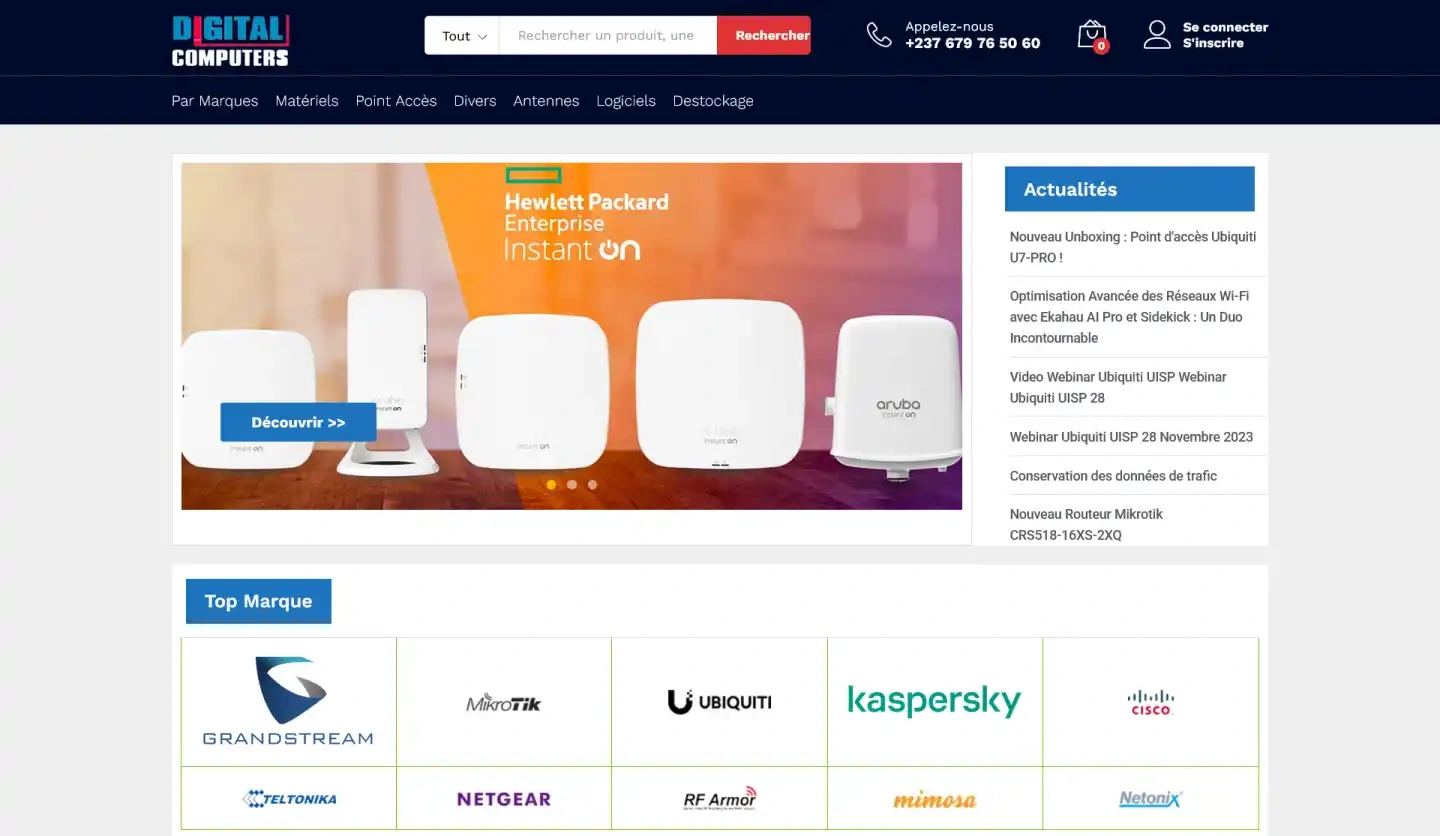
A search field and category selector appear in the header.

2– Featured brands

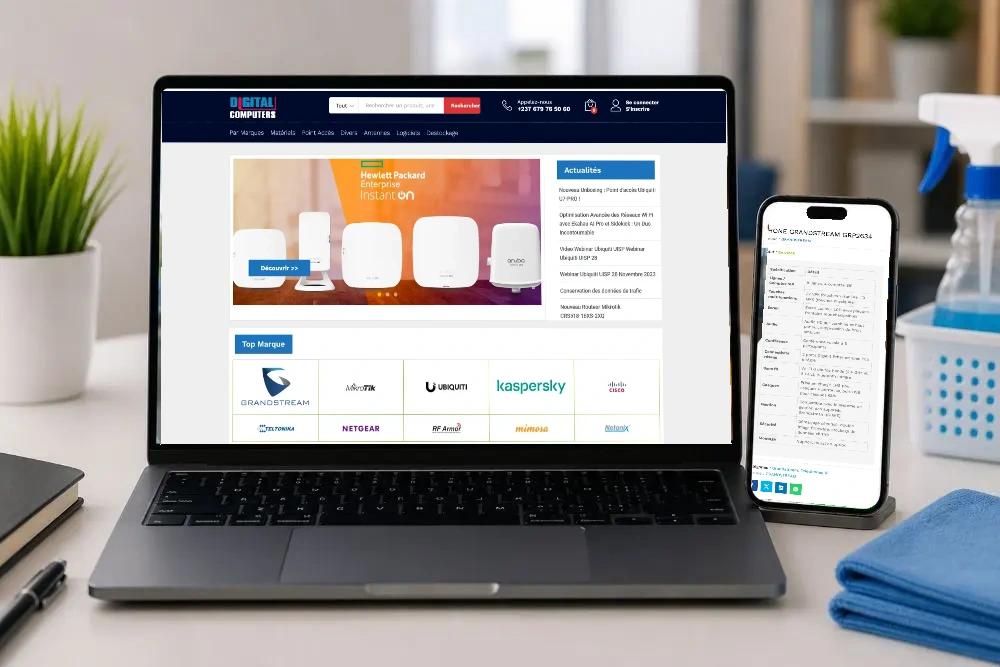
The homepage brings together entry points to equipment brands.

3– Organised listings

The category page includes sorting, subcategories and product information.

4– Technical product pages

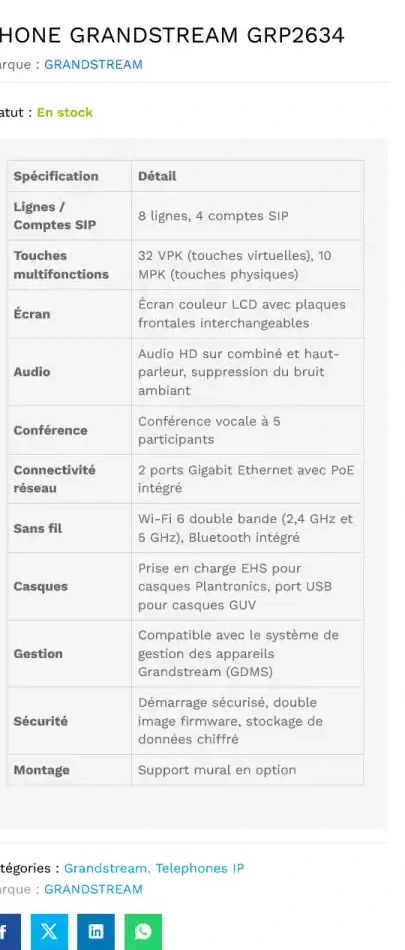
The retained phone page describes features in a specification table.

5– A basket interface

The page shows quantity and add-to-basket controls; the current checkout journey could not be verified.

Digital Computers — archived catalogue views
RESULTS & BENEFITS

A catalogue documented in the archives.

img

Benefit 1

Menus distinguish equipment families.

img

Benefit 2

Product pages bring together names, images and specifications.

img

Benefit 3

Logos and brand names provide further entry points.

img

Benefit 4

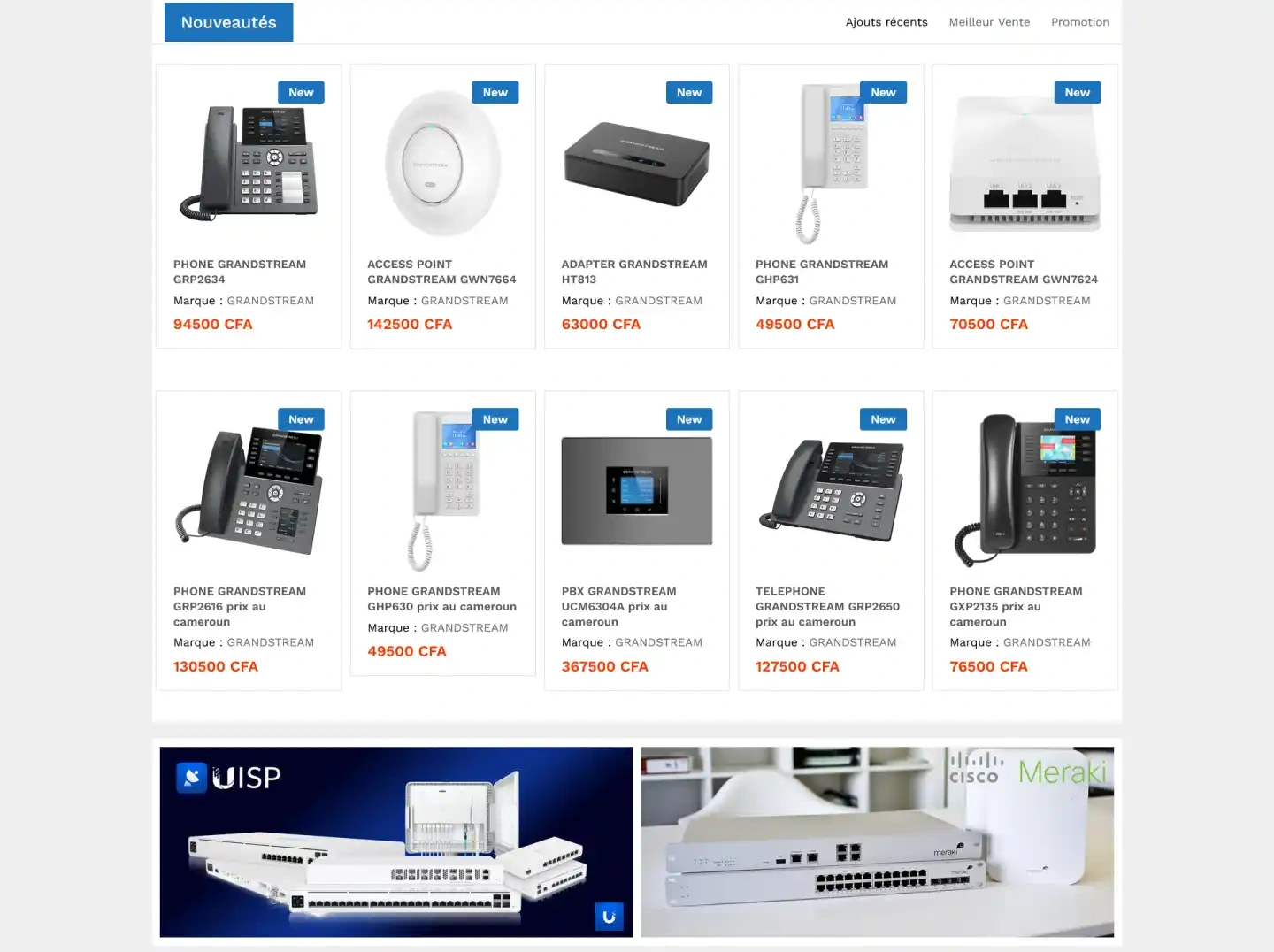
A dedicated grid brings together featured products.

img

Benefit 5

The images connect product listings with detailed pages, without establishing sales results.

DIDACWEB’S PERSPECTIVE

Didacweb’s perspective: make information accessible.

PLANNING A SIMILAR PROJECT?

Let’s give your catalogue a clear presentation.

Let’s discuss the information your visitors need and the pages that will help them explore your work.

Didacweb est une agence digitale avec pour objectif de valoriser votre marque, améliorer votre notoriété et votre visibilité en ligne.
Horaires : Lun-Ven, 07h30-17h30