
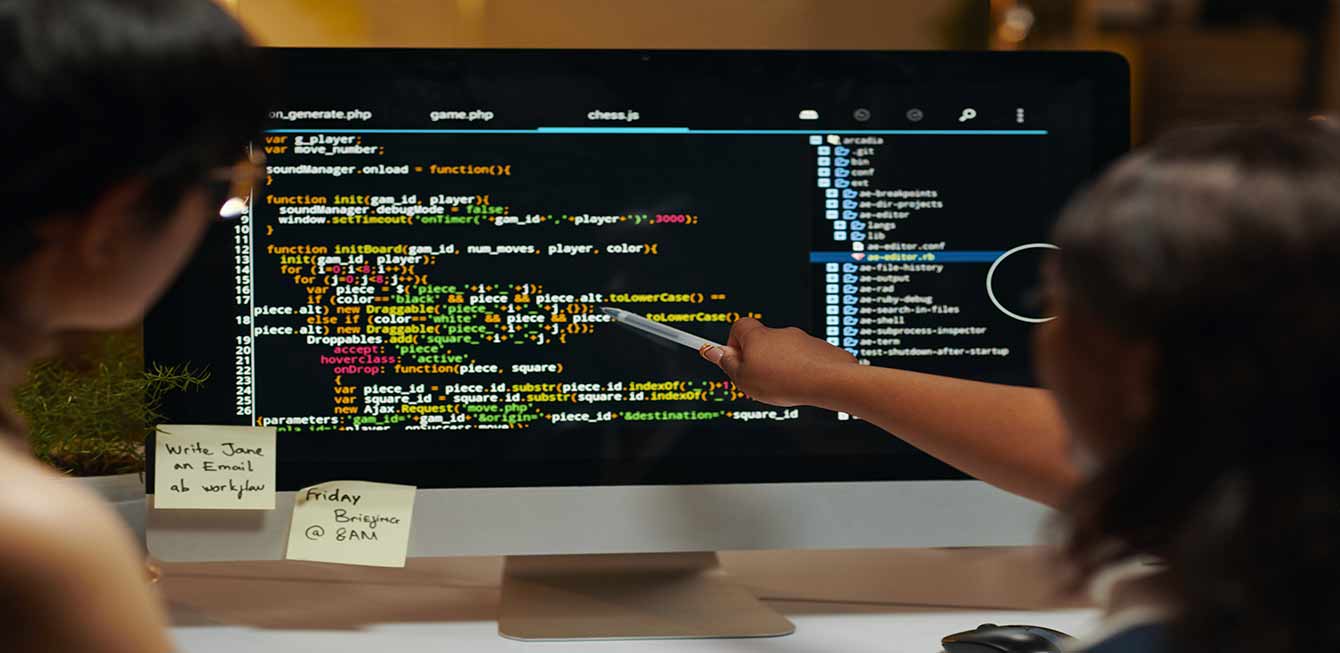
Essential Tools for Web Development
Web development has evolved considerably over the years. Today, creating a website or web application requires more than writing lines of code. Developers, designers, project managers, and digital teams rely on tools that help them plan, design, code, test, collaborate, deploy, and maintain projects more efficiently.
Choosing the right web development tools can improve productivity, reduce errors, simplify teamwork, and make the final product more reliable. Whether you are building a showcase website, an e-commerce platform, a business application, or a custom digital service, your tools have a direct impact on the quality of the project. For a broader overview of this topic, see How to Improve Website Loading Speed.
In this article, we review what web development tools are, how to choose them, and which tools are commonly recommended for modern web projects.
1. What Are Web Development Tools?
Web development tools are software, platforms, frameworks, libraries, and services that help professionals create and manage websites or web applications. They can support several stages of a project, from design and prototyping to coding, debugging, collaboration, version control, testing, and deployment.
Some tools are used directly by developers, such as code editors, browser inspection tools, frameworks, and containerization solutions. Others are used by designers and teams, such as prototyping tools, project management platforms, or collaborative repositories.
The objective is always the same: make development faster, cleaner, more organized, and more reliable. A good tool does not replace technical skill, but it helps teams work with more precision and consistency.
For example, a code editor helps write and organize files. A framework provides reusable components and structure. A version control platform allows several people to work on the same project safely. A browser inspection tool helps identify display, performance, or JavaScript problems.
2. What Should You Consider When Choosing Web Development Tools?
Before selecting tools, it is important to understand the needs of the project. A small website does not require the same environment as a complex application. A beginner may need a simple tool, while an experienced team may prefer a more advanced ecosystem.
The first criterion is ease of use. A tool should help the team save time, not create unnecessary complexity. If the learning curve is too high for the project, it may slow down the work instead of improving it.
The second criterion is compatibility. Your tools must fit the technologies used in the project: HTML, CSS, JavaScript, PHP, WordPress, React, APIs, databases, hosting environments, and other technical elements. A good tool integrates naturally into the existing workflow.
Collaboration is also essential. Modern web projects often involve several people. Tools that support shared work, comments, version history, code review, and task tracking make coordination easier.
Performance and reliability matter as well. A development tool should be stable, regularly updated, and supported by a strong community or professional documentation. This reduces the risk of being blocked by bugs, outdated features, or missing support.
Finally, cost must be considered. Some tools are free, others are paid, and some offer freemium plans. The best choice depends on the project budget, team size, expected features, and long-term usage.
3. Which Tools Are Recommended for Web Development?
There are many useful tools for web development. The following selection includes platforms, editors, frameworks, design tools, and productivity solutions frequently used by web professionals. For a related comparison, see Cloud Computing: What Is It and What Is It Used For?.
3.1 GitLab
GitLab is a collaborative platform for version control, code hosting, and DevOps workflows. It allows developers to manage source code, track changes, review contributions, and collaborate on projects.
With GitLab, teams can create repositories, manage branches, open merge requests, and keep a clear history of modifications. This is essential when several people work on the same website or application.
GitLab also includes features for continuous integration and deployment. This means teams can automate testing, builds, and delivery processes. For professional projects, this improves reliability and reduces manual errors.
3.2 Chrome DevTools
Chrome DevTools is a set of developer tools built into the Google Chrome browser. It helps inspect HTML, modify CSS in real time, debug JavaScript, analyze network requests, test responsiveness, and identify performance issues.
For front-end development, Chrome DevTools is almost indispensable. It allows developers to understand how a page behaves directly in the browser and quickly diagnose layout or loading problems.
It is also useful for SEO and user experience checks, because it can reveal slow resources, console errors, mobile display issues, and accessibility signals.
3.3 Visual Studio Code
Visual Studio Code, often called VS Code, is one of the most popular code editors. It is lightweight, customizable, and compatible with many programming languages and frameworks.
Its strength comes from extensions. Developers can add tools for syntax highlighting, formatting, debugging, Git integration, live preview, WordPress development, React, PHP, and many other technologies.
VS Code is suitable for beginners and experienced developers because it combines simplicity with powerful features. It can become the central workspace for many web projects.
3.4 IntelliJ IDEA
IntelliJ IDEA is a powerful integrated development environment created by JetBrains. It is often used for Java and backend development, but it also supports many web technologies through plugins and related JetBrains tools.
Its main advantage is intelligent code assistance. It can help with navigation, refactoring, error detection, code completion, and project structure. For larger applications, this type of environment can improve productivity and code quality.
3.5 Notepad++
Notepad++ is a lightweight text and code editor for Windows. It is simple, fast, and useful for quick edits, file inspection, configuration changes, or small coding tasks.
Although it does not offer the advanced features of a complete development environment, it remains practical for developers who need a reliable editor that opens quickly and supports multiple languages.
3.6 React
React is a JavaScript library used to build interactive user interfaces. It is widely used for modern web applications, dashboards, dynamic websites, and component-based interfaces.
React allows developers to create reusable components, manage interface states, and build structured front-end experiences. It is especially useful when a website needs dynamic interactions rather than only static pages.
Its ecosystem is large, with many libraries, frameworks, and community resources. However, it requires good technical understanding and should be chosen when the project justifies its complexity.
3.7 Figma
Figma is a collaborative design tool used to create interfaces, wireframes, prototypes, and design systems. It is very popular because designers, developers, and clients can work or comment in the same online file.
Before development begins, Figma helps clarify the visual structure of a website. Teams can validate layouts, colors, typography, components, and user journeys. This reduces misunderstandings during implementation.
3.8 Sketch
Sketch is another design tool used for interface design and prototyping. It has long been appreciated by UI and UX designers, especially in macOS environments.
Like Figma, Sketch helps create visual mockups and reusable design elements. It can be part of a professional design workflow when teams need precise interface documentation before development.
3.9 Docker
Docker is a containerization platform that allows developers to run applications in isolated environments. It helps reproduce the same technical environment across different machines.
This is especially useful when projects depend on specific versions of PHP, databases, servers, or libraries. With Docker, teams can reduce the famous problem where a project works on one computer but not on another.
Docker also supports deployment workflows and can make development environments cleaner, more consistent, and easier to maintain.
3.10 Bootstrap
Bootstrap is a front-end framework that provides ready-to-use components, grid systems, forms, buttons, navigation elements, and responsive utilities.
It helps developers build layouts faster, especially for projects where speed and consistency are important. Bootstrap is not always the most original visual choice, but it remains efficient for many professional interfaces.
3.11 ChatGPT
ChatGPT can support web development tasks by helping generate ideas, explain code, write drafts, suggest debugging paths, create documentation, and accelerate repetitive work.
Used correctly, it can be a productivity assistant for developers and content teams. However, its suggestions must always be reviewed, tested, and adapted to the project context. AI can assist technical work, but it should not replace professional validation.
A strong web development workflow also depends on documentation. Even when tools are powerful, teams need clear instructions, naming conventions, deployment notes, design references, and technical explanations. Documentation helps new collaborators understand the project faster and prevents knowledge from staying in only one person’s head.
Security is another factor to consider when choosing tools. Code repositories, plugins, libraries, and third-party services must be managed carefully. Teams should update tools regularly, control access permissions, protect credentials, and avoid using abandoned packages that may create vulnerabilities.
Scalability should also guide the decision. A tool that works for a small project may become limiting when the website grows, when traffic increases, or when several people need to collaborate at the same time. Choosing tools with future needs in mind can prevent costly migrations later.
It is also important to avoid using too many tools at once. A large stack can look impressive, but it may create confusion if each tool does not have a clear role. The best workflow is usually simple, coherent, and understood by everyone involved in the project.
For agencies and professional teams, the choice of tools should also support maintenance after launch. A website continues to evolve through updates, corrections, content additions, performance improvements, and security checks. Tools that make maintenance easier protect the project over the long term.
Conclusion
Web development tools play a major role in the success of digital projects. They help teams design better interfaces, write cleaner code, collaborate efficiently, test faster, and maintain websites more easily.
The best tools are not necessarily the most popular or the most complex. They are the tools that match your project, your team, your technical level, and your objectives. A well-chosen toolset improves productivity while keeping the workflow clear.
Whether you use GitLab, Chrome DevTools, Visual Studio Code, React, Figma, Docker, Bootstrap, ChatGPT, or other solutions, the most important thing is to build a coherent environment that supports quality, collaboration, and long-term performance.